
tutorial · 2026-04-25
Creating a 'Voice of God' Divine Narration System in Unreal Engine 5
Wire up booming, non-diegetic proclamations from a DataTable so your deity, oracle or boss can address the player from on high.
Diegetic vs non-diegetic divine audio
A 'voice of god' moment is the one piece of audio in your game that deliberately ignores the rules every other sound obeys. When a deity, oracle or end-game boss addresses the player directly, the voice should feel like it exists outside the world rather than inside it. That is the difference between diegetic audio, which the characters can hear and which obeys distance, occlusion and 3D attenuation, and non-diegetic audio, which is played straight to the player with none of that spatial falloff. Getting this distinction right is the whole job, and it is exactly what people mean when they search for ue5 god voice narration non diegetic audio.
The practical rule is simple. If the sound is coming from a thing in the level — a glowing altar, a statue, a shrine brazier — you usually want it spatialised so it grows louder as the player approaches. If the sound is the divine presence itself speaking into the player's head, you want it flat, full-volume and untethered from any location. In Unreal terms, that is the difference between Play Sound at Location (3D, with attenuation) and Play Sound 2D (non-diegetic, no attenuation). For the classic booming proclamation, reach for the 2D path.
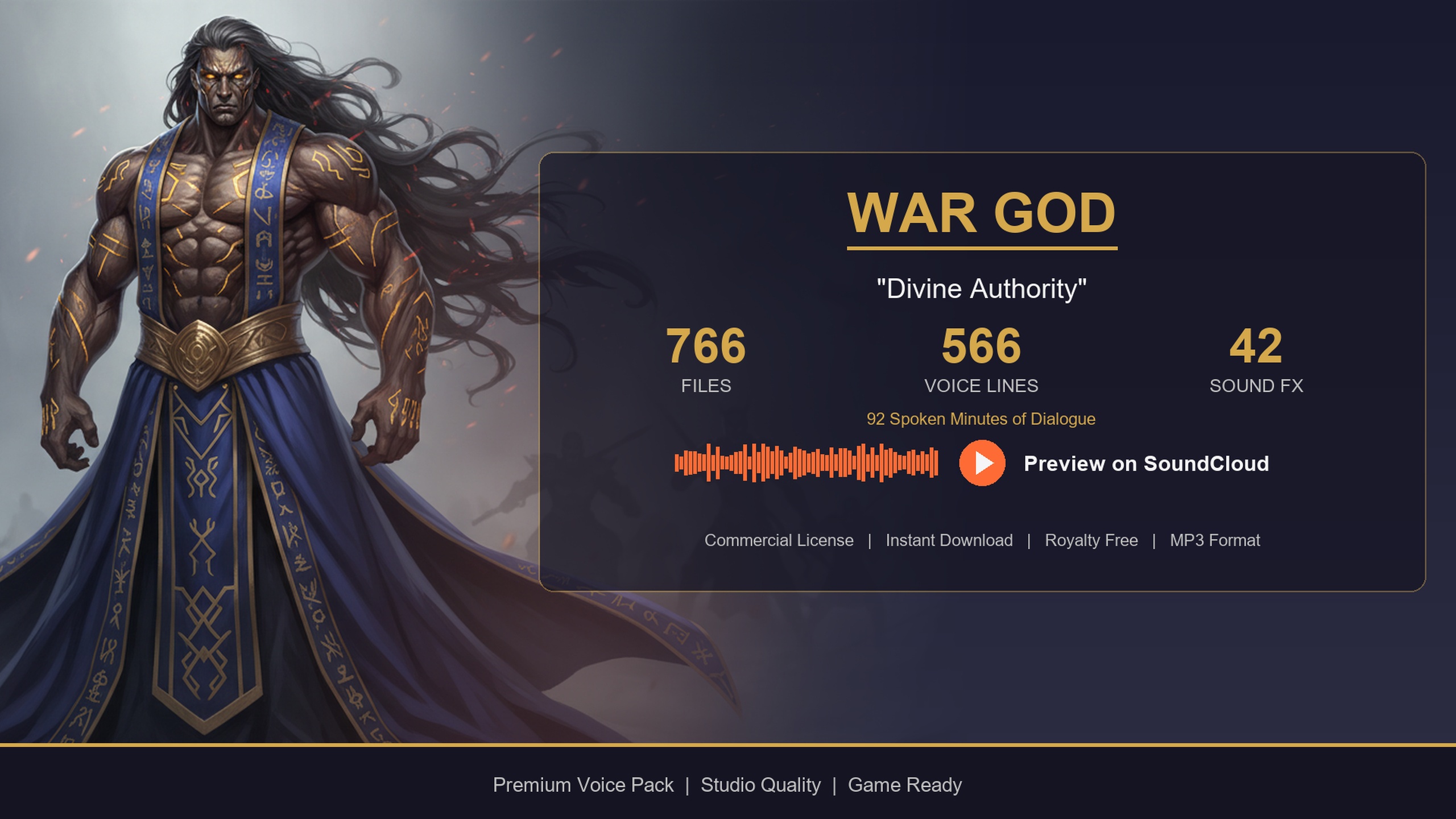
This tutorial drives that voice from the Deity Dialogue Pack, a paid UE5 voiceover and lore pack built around a thunderous war-god delivery — challenges, proclamations and martial exultation suited to gods, oracles and otherworldly beings. Its lines ship as one-shot USoundWave assets referenced from a DataTable, which makes them ideal source material for a narration system you trigger by gameplay context.
Play Sound 2D for the voice of god
Start with the smallest possible test: get one divine line playing flat, with no spatialisation. Migrate the deity content folder into your project from the downloaded Fab pack, then find a single voice line under the pack's Audio folder so you have something concrete to fire.
1. In your trigger Blueprint — a boss arena overlap volume, a shrine interaction, or a cutscene event — drag off the event you want to react to.
2. Add a 'Play Sound 2D' node. This is the non-diegetic path: it plays straight to the player's output mix with no attenuation, no distance falloff and no 3D positioning, which is precisely the 'speaking from everywhere and nowhere' quality you want for a deity.
3. Set the 'Sound' pin to one of the deity USoundWave assets to confirm the wiring, then play. You should hear the line at full volume regardless of where the player stands.
Resist the temptation to use 'Play Sound at Location' or a 'Spawn Sound Attached' node here. Those introduce attenuation and spatialisation, which immediately make a god sound like an NPC standing in a corner of the room. Keep the divine voice on 'Play Sound 2D' and reserve the 3D nodes for an in-world altar that the deity is merely speaking through.
One detail worth knowing up front: because the pack's lines are one-shot SoundWaves (no looping), each proclamation plays once and stops. That is the correct behaviour for narration — you do not want a divine pronouncement looping under your boss fight.
Sequencing proclamations from DT_Dialogue
Hardcoding a single SoundWave is fine for a test but useless at scale. The Deity Dialogue Pack ships its lines in a DataTable, DT_Dialogue, the same schema used across the whole Lore Pack collection. Each row carries fields including DialogueName, ResponseText, EmotionalTone, ContextTags and a VoiceAudio reference, and crucially VoiceAudio is a TSoftObjectPtr to a USoundWave. The soft pointer means the audio is not loaded into memory until you ask for it, so a DataTable of hundreds of lines costs almost nothing until something actually plays.
The lines are tagged with hierarchical ContextTags in a category/subcategory/size form, and they come in length tiers. For a 'voice of god' system you almost always want the longer tiers — the LG and XL lines — because proclamations and lore dumps need room to breathe, where a one-word bark would not. Here is the Blueprint pattern to pick and play a contextual proclamation:
1. Reference the deity's DT_Dialogue asset and call 'Get Data Table Row Names'.
2. 'ForEach' over the names, calling 'Get Data Table Row' to read each row.
3. Filter: keep only rows whose ContextTags contains the situation you want — for a boss-reveal you might match a 'story/' or 'combat' substring — and, for narration, bias toward the longer LG/XL lines.
4. From the surviving rows, pick one at random so repeated triggers do not replay the same line.
5. Call 'Load Synchronous' on that row's VoiceAudio TSoftObjectPtr to resolve the SoundWave, then feed the result into your 'Play Sound 2D' node.
In C++ the shape is identical: call GetAllRows on the DataTable, filter on Row->ContextTags.Contains(Context), pick a random match, and LoadSynchronous the VoiceAudio before playing it 2D. Because every pack in the collection shares the same row struct, the same query helper works for any other character you bolt on later — write it once and reuse it.
For performance, the pack's own guidance is to cache the DataTable reference and pre-filter rows by category at initialisation rather than walking the whole table every time the deity speaks. A DataTable of this size loads in well under a frame, but pre-filtering at level load keeps the trigger itself instant during a boss fight. Reserve 'Load Synchronous' for the moment of playback so you only pay the audio-load cost for lines you actually use.
Subtitles, reverb and ambience polish
A divine voice that the player cannot read is a missed accessibility win, and the DataTable already hands you the text for free. Every DT_Dialogue row carries a ResponseText field alongside its audio, so when you pick a line for playback, route that same row's ResponseText into a subtitle widget. Display it for the duration of the clip and you get captioned narration with no extra authoring — the words on screen are guaranteed to match the words being spoken because they came from the same row.
To make the voice feel genuinely otherworldly, treat it on its own audio path. Route the divine SoundWave through a dedicated Sound Class and Sound Mix so a proclamation can duck the music and ambience underneath it — the world should hush when a god speaks. A touch of large-hall or cathedral reverb via a Submix Effect Preset sells the sense of a voice filling an impossible space, and because you are playing 2D the reverb is applied uniformly rather than fighting with distance attenuation. Keep the effect restrained; the war-god delivery in this pack is already commanding, so you are framing it, not drowning it.
Finally, lean on the pack's written-lore layer to deepen the moment. The Deity Dialogue Pack includes 85 written-content items — commandments, scriptures and prophecies styled as books, journals and letters — held in a DT_WrittenContent table. Surface a relevant scripture as a readable in-world document at the shrine where the voice speaks, and the spoken proclamation and the written prophecy reinforce each other. That combination of booming non-diegetic narration plus readable lore is what turns a single audio cue into a scene the player remembers.
Where this fits, and what to pair it with
The deity pack is intentionally an extreme tier — a thunderous, higher-power voice meant to contrast with mortal NPCs, not replace them. If your cast needs ordinary speakers around the god, the same DataTable-driven pattern in this tutorial works unchanged for the rest of the Lore Pack collection, because every pack shares the identical DT_Dialogue schema and TSoftObjectPtr audio references. You write the query and playback code once and reuse it for every archetype.
A common, low-cost pairing is to prototype your dialogue plumbing with the free Assassin Dialogue Lore Pack, prove the DataTable-to-Play-Sound flow, then drop the Deity Dialogue Pack in for the divine moments and add a quest-giver such as the Bard Dialogue Pack for narrative beats. If you would rather not assemble characters one at a time, the Deity is also one of the 21 archetypes inside the Fantasy NPC Voices Complete megabundle, which ships the entire cast under a single content root. Whichever route you take, the 'voice of god' system you built here stays the same — only the SoundWaves behind it change.
Your next step is to wire the trigger you actually care about. Pick the shrine overlap, ritual completion or boss-reveal event in your project, point it at a filtered DT_Dialogue query, and send the result through 'Play Sound 2D' with a ResponseText subtitle. From there, the divine voice is just content — add lines, tune the reverb, and let the deity speak.
Diegetic vs non-diegetic playback for divine audio
| Scenario | Node | Attenuation | Feel |
|---|---|---|---|
| Deity speaking into the player's head | Play Sound 2D | None | Non-diegetic, full-volume everywhere |
| Voice emanating from an in-world altar | Play Sound at Location | 3D falloff | Diegetic, grows louder as you approach |
| Voice tied to a moving statue or avatar | Spawn Sound Attached | 3D falloff | Diegetic, follows the source |
Choose the node by where the voice is supposed to be coming from.
FAQ
How do I make a non-diegetic voice of god narration in UE5?
Use the 'Play Sound 2D' node rather than 'Play Sound at Location'. Play Sound 2D sends the audio straight to the player's output with no attenuation or 3D positioning, which is exactly the ue5 god voice narration non diegetic audio behaviour you want — the divine voice plays at full volume regardless of where the player stands.
Why is a TSoftObjectPtr used for the voice audio?
In the Deity Dialogue Pack's DT_Dialogue table, the VoiceAudio column is a TSoftObjectPtr to a USoundWave. The soft pointer means the SoundWave is not loaded into memory until you call Load Synchronous on it, so a large table of lines costs almost nothing until a specific line actually plays.
Should divine lines loop?
No. The pack's lines are one-shot SoundWaves with no looping, which is the correct behaviour for narration. A proclamation should play once and stop rather than looping under your scene.
Which length tier should I use for proclamations?
Favour the longer LG and XL tiers. Proclamations and lore dumps need room to breathe, where short one-word lines suit barks. Filter your DT_Dialogue query toward the longer tiers when picking lines for a voice-of-god moment.
How do I add subtitles to the divine narration?
Each DT_Dialogue row carries a ResponseText field alongside its VoiceAudio. When you select a line to play, route that same row's ResponseText into a subtitle widget for the duration of the clip. The text is guaranteed to match the audio because both come from the same row.
Deity Dialogue Pack
Booming pronouncements and divine narration — 92 minutes of deity dialogue for gods, oracles and otherworldly beings. Cinematic voice cues to give your RPG's higher powers a real presence.
Related on Fab



Related reading