
article · 2026-06-09
Zero-Texture VFX: How a Glyph Pack Stays Tiny With Engine-Default Materials
A lightweight Niagara VFX library with no textures, no custom materials, and a near-zero package footprint in UE5.

Where VFX package size actually comes from
When a visual-effects pack balloons your project size, the textures are almost always to blame. Open most Niagara effects and you find the same recipe: a sprite material sampling a hand-painted flipbook, a few tiling noise maps, perhaps a normal map and an erosion mask on top. A single 4K flipbook sheet can weigh more on disk than hundreds of particle systems combined, and a library multiplies that cost across every emitter.
If you are searching for lightweight Niagara VFX with no textures and a small package size in UE5, the fix is to attack the texture line item directly rather than trimming particle counts. The Niagara Alphabet & Symbols Bundle is built on exactly that principle: it ships 687 individual Niagara systems and 688 matching static meshes across 25 themed writing systems, and it carries zero textures, zero custom materials and zero material instances. The look is created entirely from geometry, colour and the engine's own post-processing, so the footprint stays tiny even as the catalogue grows past 600 effects.
Building the glow from BasicShapeMaterial and HDR colour
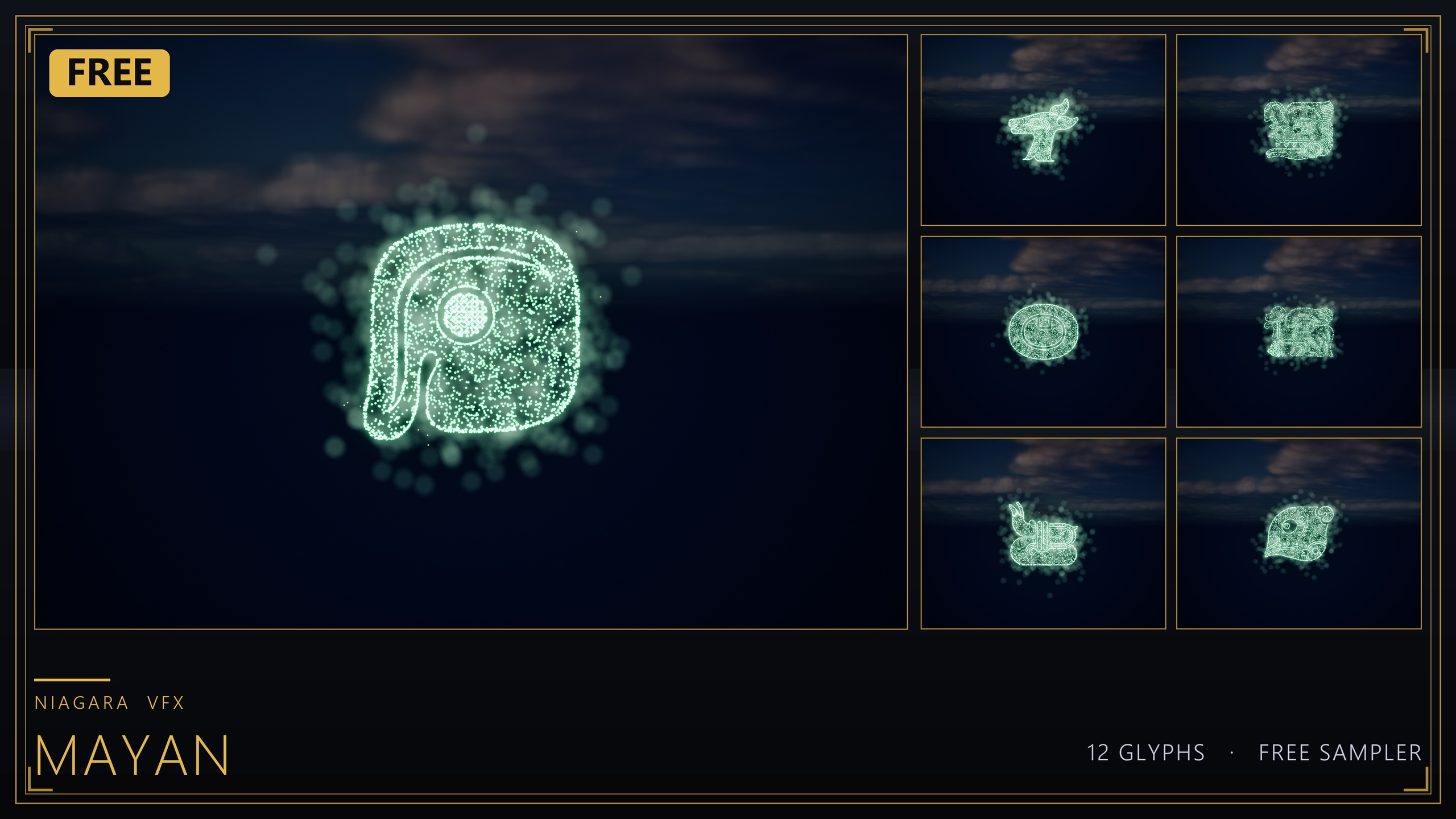
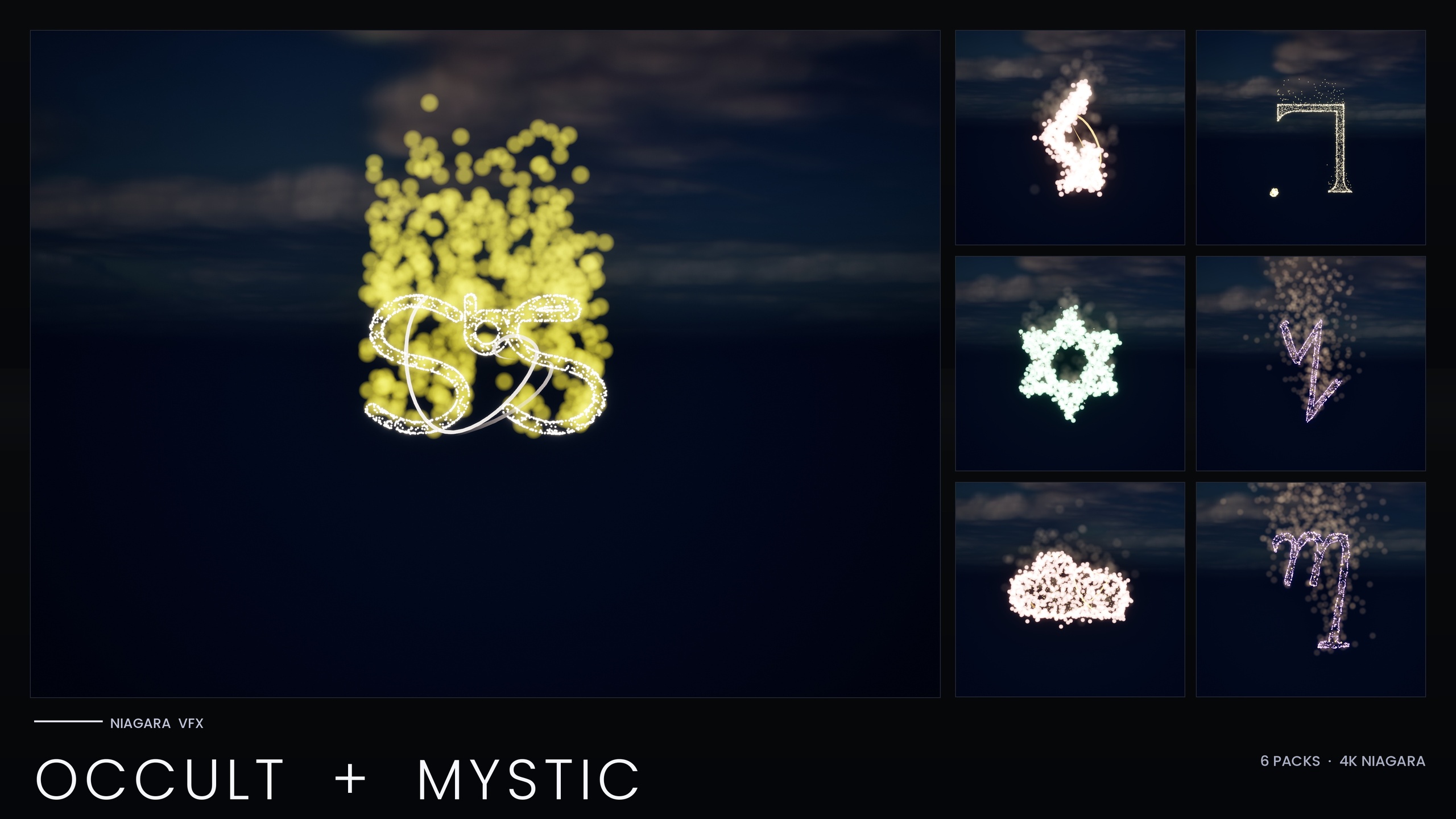
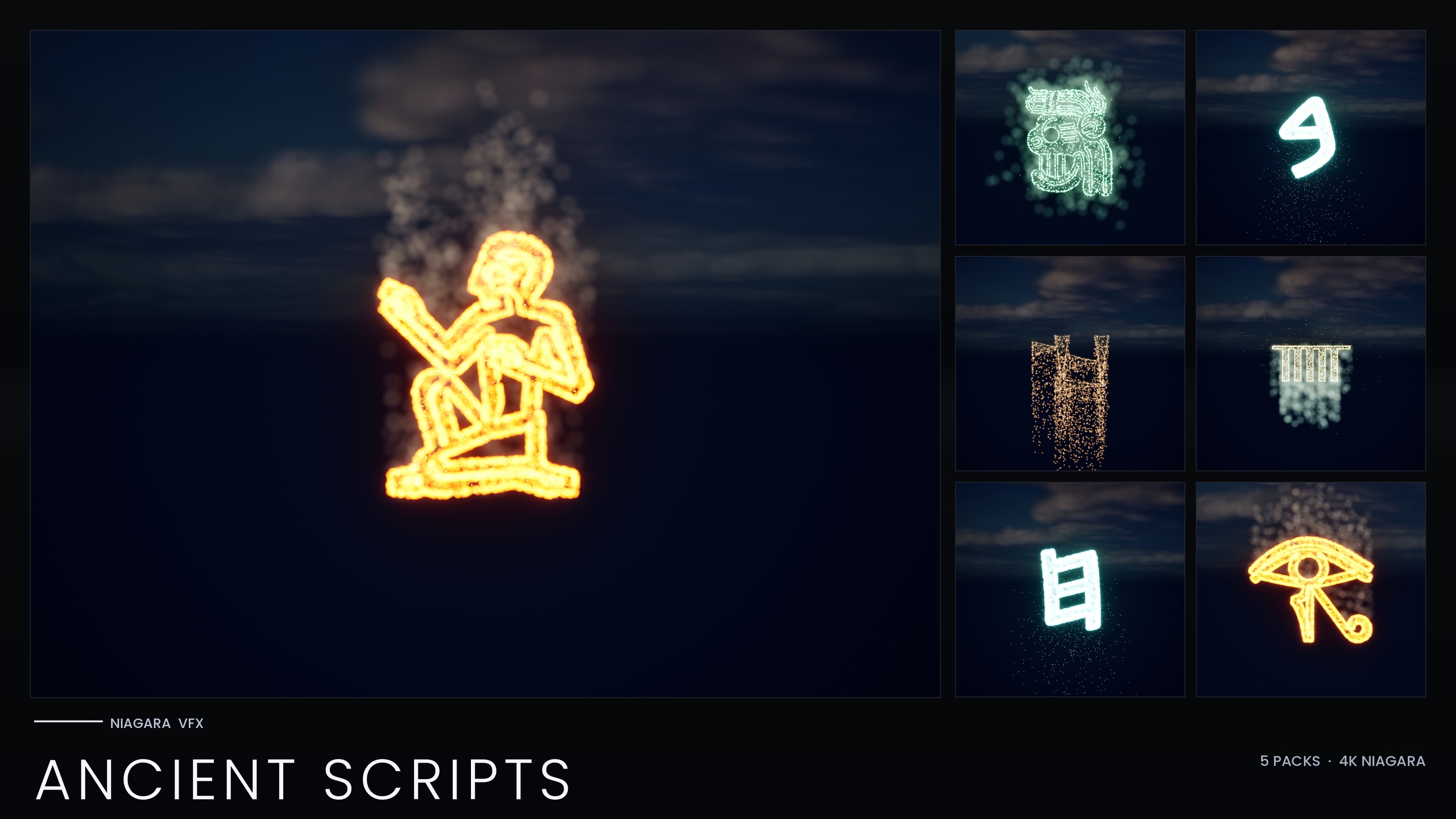
The mechanism is simpler than it looks. Each glyph has an extruded static mesh, and every Niagara system uses a CPU Sprite emitter with the 'Static Mesh Location' module set to sample that glyph's mesh surface. Particles scatter across the shape of the letter or sigil, so the symbol reads clearly without any sprite art telling it what to look like. The form comes from the mesh; the particles just light it up.
For the surface, the pack relies only on Unreal's default materials, primarily '/Engine/BasicShapes/BasicShapeMaterial', with the Niagara default sprite material handling the particles. There is nothing custom to cook or sample, and because no asset references a texture, there are no textures to package, which is what keeps the on-disk size so low.
The glow is the part developers usually assume must be a texture, and it is not. Each emitter pushes its sprite colour above 1.0 into HDR, and that over-bright value is what the engine's bloom post-process picks up and blooms outward. There is no glow texture, no soft-edge alpha mask, no additive flare sheet. Turn bloom off and the symbols read as crisp particle outlines; turn it on and they bloom into the soft luminous glyphs you see in the demo maps. The whole effect is colour plus post-processing, which costs nothing on disk, so the look depends on bloom being enabled in your post-process volume or project settings.
Recolouring is just as cheap. The bundle ships four Niagara Parameter Collections, so editing one collection retimes and recolours an entire writing system at once, with per-glyph overrides still available on individual systems.
The honest trade-offs of going texture-free
A texture-free approach is a deliberate trade, not a free lunch, so it helps to be clear about what you give up. You lose the painterly, organic detail that a good flipbook provides. Smoke wisps, soft embers, fingerprint grime and hand-authored erosion all come from texture art, and you cannot reproduce that surface richness from a default lit material and HDR sprites alone. This style suits crisp, graphic, glowing symbols far better than it suits naturalistic fire or fluid.
What you gain is footprint, portability and predictability. The effects are CPU-simulated, which the bundle chose deliberately for broad device support, so the sensible discipline is to spawn a manageable number of systems per scene rather than flooding a level with hundreds at once.
There is also a clarity benefit that is easy to overlook. Because the symbol shape is carried by the mesh, the glyph stays legible at a distance and under motion, where a sprite-on-quad effect can smear or lose definition. For something whose entire job is to read as a specific letter, rune or sigil, sampling the actual geometry is the more reliable choice.
When you would add custom materials later
The texture-free baseline is a starting point, not a ceiling. Because every glyph also ships as a static mesh, the upgrade path is open whenever a scene needs more. You can place the matching 'SM_Glyph_' meshes directly in the world to carve or emboss inscriptions into walls and props, then assign your own emissive material for a richer surface than a default lit material gives.
Reach for a custom material only when you need something the default cannot express: a scrolling energy pattern along a rune, a dissolve reveal as a glyph activates, or a parallax-mapped carved-stone surface. At that point you are knowingly trading footprint for fidelity on the handful of hero effects that justify it, while the rest of the library stays texture-free.
The recommended workflow is to prototype with the shipped systems first, build your scene with engine defaults, and only author a custom material once you have proven a specific shot needs it. To get started, install the pack into your project's Content folder, open one of the two demo maps ('L_Demo_AllPacks' or 'L_Demo_PackRows') to preview the full catalogue, then drag any 'NS_' system into your level or spawn it from Blueprint with the 'Spawn System at Location' node. Keep bloom enabled, and tune colour through the relevant Niagara Parameter Collection.
Texture-free vs. flipbook-based VFX
| Aspect | Engine-default (this pack) | Typical flipbook VFX |
|---|---|---|
| Textures shipped | 0 | Often several per effect |
| Custom materials | 0 (uses BasicShapeMaterial) | Custom sprite/erosion materials |
| Source of the glow | HDR colour + bloom | Glow/additive flare textures |
| Symbol shape from | Static mesh surface sampling | Painted sprite on a quad |
| Simulation target | CPU (broad device support) | Often GPU for high counts |
| Best suited to | Crisp glowing glyphs and symbols | Organic smoke, fire and fluids |
How the engine-default approach compares to a conventional texture-driven particle pack. Counts are from the bundle's product facts.
FAQ
Can Niagara VFX really have no textures and still keep a small package size in UE5?
Yes. This bundle ships 687 Niagara systems and 688 static meshes with zero textures, zero custom materials and zero material instances. It uses Unreal's default materials, primarily /Engine/BasicShapes/BasicShapeMaterial, so there is no texture data to cook or package, which is what keeps the footprint tiny.
How is the glow created without a glow texture?
Each emitter sets its sprite colour above 1.0 into HDR, and the engine's bloom post-process blooms that over-bright value outward. The look therefore depends on bloom being enabled in your project or post-process volume. Disable bloom and you see crisp particle outlines instead of a soft glow.
Why are the effects CPU-simulated instead of GPU?
The pack uses CPU simulation deliberately for broad device support. Because effects are CPU-simulated and stack per instance, the practical guidance is to spawn a manageable number of systems per scene rather than placing hundreds at once.
How do I recolour an entire writing system at once?
The bundle ships four Niagara Parameter Collections. Editing one collection recolours and retimes its whole writing system in a single edit, and you can still apply per-glyph overrides on individual systems where you need them.
Can I add custom materials later if a scene needs more detail?
Yes. Every glyph also ships as a static mesh, so you can place the SM_Glyph_ meshes in the world and assign your own emissive or custom material for hero shots. The texture-free setup is a baseline you can selectively upgrade where fidelity matters.
Niagara Alphabet & Symbols Bundle
The complete glyph VFX bundle — 687 Niagara systems built from 26 alphabets and symbol sets (Alchemy, Cyberpunk, Matrix, Hieroglyphics, Runes, Zodiac, Tarot and more), with per-theme Parameter Collections and two demo maps. All CPU-simulated for broad device support.
Related on Fab
Related reading