article · 2026-06-16
Motion Graphics and VFX Crossover in Unreal Engine 5
How After Effects / Cinema 4D artists are moving into UE5 for real-time motion design, titles, and VFX loops, and what the workflow actually looks like in 2026.
Why motion designers are looking at UE5
Channels like School of Motion and Surfaced Studio have spent years teaching After Effects, C4D, and Houdini. In 2025-2026 a growing number of their students and viewers are asking the same question: when does it make sense to do the work in Unreal Engine 5 instead?
The answer is usually 'when you need real-time playback, camera moves that must match a game, or deliverables that must react to gameplay data'. UE5 is not a replacement for every 2D title sequence, but it is extremely strong for loops, holographic UI, 3D title cards that must survive camera orbit, and any VFX that will later live inside a game engine anyway.
The crossover skills are real: timing, easing, colour, composition, and the discipline of working to a brief all transfer. The new muscle is thinking in emitters, materials, and sequencer instead of layers and expressions.
What stays in After Effects / C4D vs what moves to UE5
Pure 2D typography, complex character animation with hand-drawn feel, and anything that must be delivered as a baked movie for social or broadcast still belongs in the traditional tools in most cases.
Move to UE5 when you need: true 3D camera work with parallax, effects that must be re-lit by the game environment, loops that will be triggered at runtime, or assets that must match the visual language of an existing UE5 game or cinematic.
Hybrid is common. Many artists still design the look in AE or C4D, then recreate the core motion in Niagara + materials so it becomes a living system rather than a baked clip.
Practical first crossover project
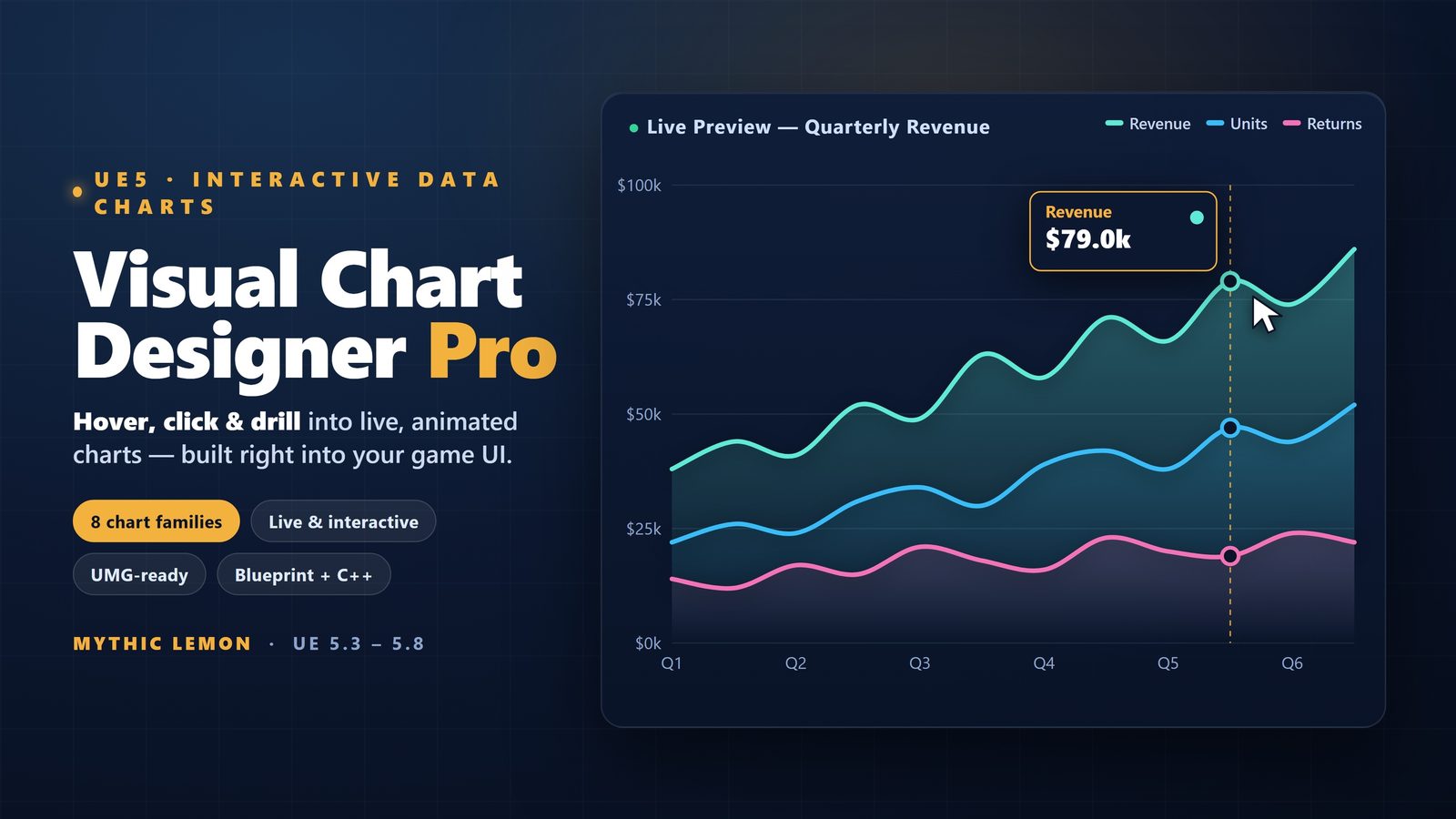
Start with something small: a looping holographic UI element or a 3D title card that orbits. Use the Visual Chart Designer or Fast Chart Widgets if you want data-driven text and bars that feel like motion graphics.
For pure VFX loops, AI Flipbook Generator is a fast on-ramp. Describe the look you would have built in AE (glowing runes, energy burst, glitch), generate a few variants, bake to Niagara, and you have a real-time sprite sheet you can trigger from sequencer or gameplay.
Once you are comfortable, move to full emitter graphs. The concepts of 'trim paths', 'write-on', and 'reveal' all have direct analogues in Niagara using sub-UV, dynamic material parameters, and ribbon trails.
Tools and packs that feel familiar to motion designers
Niagara parameter collections for global colour and timing control (like an AE adjustment layer).
Sequencer for precise keyframe timing and camera animation (very close to a C4D or AE timeline once you learn the binding model).
Material functions for common motion-graphics operations (sine waves, step functions, smoothstep reveals).
The chart and data visualisation tools on this site if your work involves numbers or HUD-style graphics.
FAQ
Is Niagara hard to learn if I come from expressions in After Effects?
The syntax is different but the thinking is similar. Start with the stack modules and curves. Most AE expression users pick up dynamic inputs and parameter collections very quickly.
Can I export my UE5 motion graphics back to video for clients who do not have Unreal?
Yes. Use Movie Render Queue or the simple screen recorder plugin. Many artists deliver both the real-time system for the game and a baked master for traditional post pipelines.
Visual Chart Designer Pro
Design charts visually in a five-region live-preview asset editor — preview, outliner, details, simulation and toolbar — then open the result straight in UMG with a one-click re-skin of bound widgets. Eight chart families (Line, Area, Scatter, Bar, Pie, Donut, PolarArea, Radar), 29 built-in data sources plus CSV / JSON / DataTable import, and seven themes including the colour-blind-safe Okabe-Ito and Viridis palettes. An optional AI styling assistant is off by default.
Related on Fab

Related reading