article · 2026-06-20
Procedural Architecture & Worldbuilding in UE5: Fill Worlds Faster
A practical guide to populating Unreal Engine 5 worlds with varied, game-ready buildings — without hand-modelling every one — and where a deterministic building generator fits the workflow.
The empty-world problem
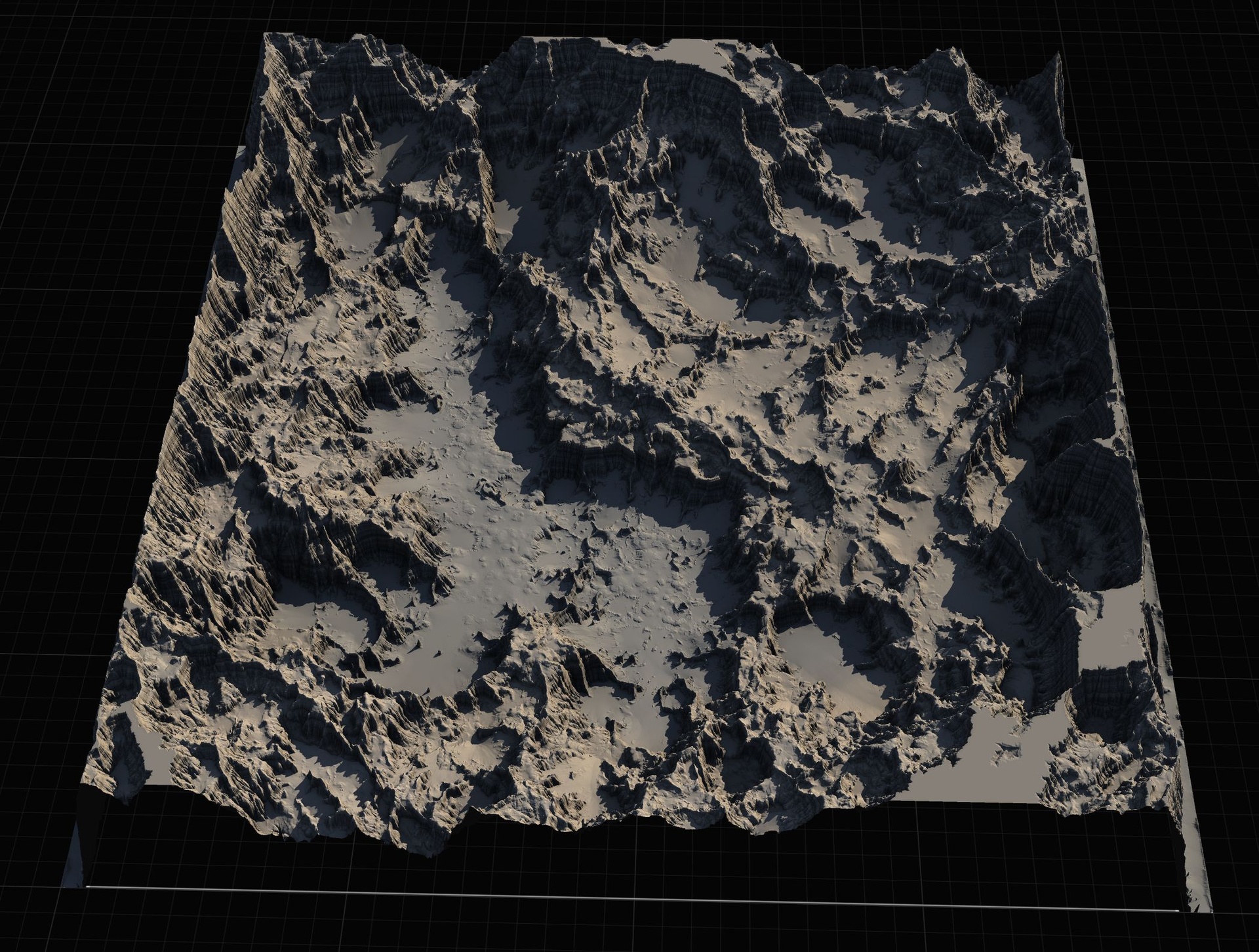
Every Unreal Engine 5 world that holds a town, a port, a castle district or a city block runs into the same wall: buildings are slow to make and you need a lot of them. A landscape can be sculpted and auto-textured in an afternoon, and foliage scatters across it in minutes, but architecture does not scatter. A believable settlement wants houses of different footprints, a couple of taller blocks, a few outliers with a distinct silhouette, and at least one landmark the eye lands on. Hand-modelling each of those, or stitching them from a modular kit piece by piece, is where worldbuilding schedules quietly disappear.
This guide is about the general workflow for getting varied, game-ready buildings into a UE5 level quickly, and it is written for the people who hit this wall hardest: indie developers who are also the level designer, archviz artists who need context buildings around a hero asset, students learning level design on a deadline, and virtual-production or previs teams that need a believable backdrop fast and can refine later. The principles below are engine-general. Where a specific tool earns its place, we name Keystone, our deterministic Modular Building Generator, and are explicit about what it does and does not do.
The honest framing up front: nothing here generates a finished, close-up hero interior for you. The goal is to get exteriors, mid-ground buildings and a confident blockout into the level so you can judge composition, sightlines and scale early, then spend your hand-modelling hours only on the few assets the camera truly lingers on.
Blockout first: design the world before you detail it
The most reliable level-design habit in UE5 is to block out before you build out. A blockout is a low-detail stand-in pass — simple volumes standing in for buildings — whose only job is to let you read the space: where the streets run, how tall the skyline sits against the landscape, where the player's eye is pulled, and whether the scale feels right when you walk it in first person. You can blockout with engine primitives or the Modeling Tools that ship with Unreal, and many teams do exactly that for the first pass.
The trap is that grey-box cubes tell you very little about a settlement. A row of identical boxes does not read as a town; it reads as a car park. The information you actually need from a blockout — does this district feel lived-in, does the silhouette vary, does the landmark dominate — only appears once the stand-ins have roofs, storey lines and a believable footprint. That is the gap a building generator fills: it lets your blockout pass already contain buildings that read as buildings, so the composition decisions you make are the real ones.
Practically, work outside-in. Place your landscape and rough out the road network first, then drop building masses where settlements belong, judging them at player height and from your key cinematic cameras. Keep everything cheap and editable at this stage. Resist detailing any single building until the whole layout reads correctly, because the building you lovingly finish first is usually the one you end up moving or deleting.
Five ways to start a building, one editable file
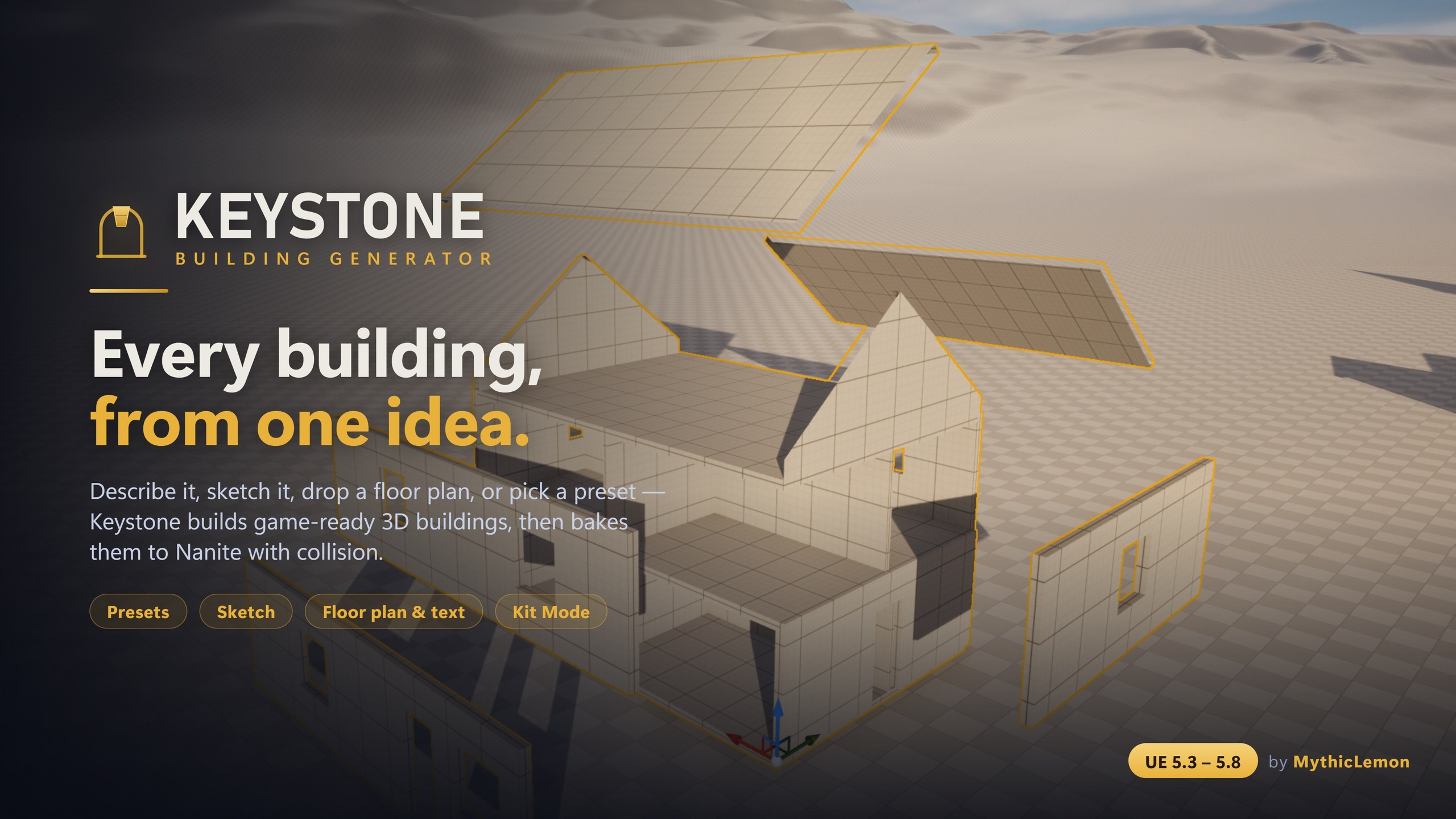
Keystone generates game-ready 3D buildings — walls, floors, roofs and approximate interiors — inside the Unreal Editor, and bakes them to standard Nanite StaticMeshes with collision that you own outright. The geometry is produced by a deterministic procedural engine: there is no subscription, no credits, and no AI-generated meshes. What makes it suit a worldbuilding pass is that there are five different ways to start a building, and all five converge on the same editable building file, shown in a live 3D preview before you commit to a bake.
The fastest start is presets. Eight one-click starter buildings — House, L-Shape, Gable Cottage, 3-Storey Block, Setback Tower, Castle, Log Cabin and Round Tower — give you a finished-enough mass instantly, which is ideal for populating a street where you want variety without authoring each one from scratch. For a specific footprint, the Sketch canvas is a true-to-scale 2D drawing surface in real Unreal units (centimetres), with snapping and orthogonal guides; you draw the footprint, place doors, windows and interior walls, set the storey stack, and can build up multi-volume shapes. Kit Mode lets you tile your own modular meshes onto the building instead. None of those three needs an AI key.
Two optional inputs use AI, and the framing matters. You can load a PNG floor plan, calibrate its scale with an alignment overlay, and have Keystone read it into a first-draft building; or you can describe a building in plain English — for example, "two-storey stone cottage, hip roof, a door and three windows" — for a fast first draft. These two inputs are bring-your-own-key (Anthropic, OpenAI, Google, or a fully local Ollama model that sends nothing off your machine), and the AI only interprets your words or image into editable building parameters. The geometry is still built by the deterministic engine; your input goes only to the provider you choose and nothing is sent to MythicLemon; and the key is resolved from an environment variable or a key file under the project's Saved/ folder, never entering source control or a packaged build. An AI draft is a strong starting point, not a guaranteed pixel-perfect trace — review and correct it in the details panel. Everything except those two inputs works with no AI at all.
Variety without repetition: volumes, kits and character
A settlement reads as believable when its buildings share a language but differ in the details, and Keystone gives you several axes of variation that keep a street from looking copy-pasted. The first is multi-volume composition: a building is the union of several volumes — an abutment, never a boolean operation — so you can compose castles, round and arc towers, gatehouses and wings rather than only single boxes. Each volume carries its own storey stack and its own roof, and each bakes as its own separable piece. The Castle preset, a crenellated keep with round corner towers, curtain walls and a gatehouse, is the showcase for what that composition can reach.
The detailing toolkit is where buildings gain character. Wall styles cover a plain SolidBox, a StackedLog cabin look and a TimberFrame Tudor frontage. Detail bands run crenellations and battlements, or cornices and string courses, around a wall-top. Arcs let you curve any wall outward into a round tower or bay, or inward into an apse or niche — with one honest caveat to plan around: an edge curved by an arc does not carry openings, so keep your doors and windows on straight edges. Finally, stylize applies a subtle, seeded, repeatable deformation — a gentle lean, taper or hand-built wonkiness — that never changes topology, which is an easy way to take the machined edge off a row of otherwise regular houses.
When you want the buildings to wear your own art rather than procedural surfaces, Kit Mode tiles your modular meshes — log, brick, stone or sci-fi kits, marketplace packs, or Quixel and Megascans assets — onto Walls, Floors, Ceilings and Interior Walls with correct placement and pivots. Two fit modes cover the common cases: Tile repeats the mesh at its natural size, fitting a whole number along each run so nothing is clipped, while Stretch scales a single instance to fill the element. Roof and Trim always stay procedural so they close up cleanly, and any slot you leave empty stays procedural too. Each tiled slot is realised as one InstancedStaticMeshComponent, which keeps the kitted surfaces efficient.
Baking: editable, game-ready assets you own
Whatever input you start from, the result bakes to standard Unreal StaticMeshes with collision; Enable Nanite and Generate collision are both on by default, and you choose the destination Content Browser folder. Crucially, the output is baked as separable pieces — each exterior wall, each roof panel, each floor and ceiling slab is its own mesh — so you can detach a wall to add a doorway, swap a single roof panel, or delete a section to make a ruin without disturbing the rest. That editability is the whole point for level design, where you almost always need to cut, kitbash and adapt a building to its plot rather than place it untouched.
Baked buildings are ordinary StaticMesh assets. They are platform-agnostic, carry no runtime generation cost and no tick cost, and have no runtime dependency on Keystone at all — the plugin is a Windows (Win64) editor tool, but the buildings it bakes run on any target platform. The trade-off to budget for is that separable-piece baking favours editability over draw-call count, so if you need a large number of identical buildings in the far distance, merge or instance them after baking as you would any other static-mesh content. Six material slots — Wall, Floor, Ceiling, Roof, Trim and Interior — let you assign any project material before or after baking, and colour-coded starter materials ship in the box.
Two workflow features make iteration safe across a long worldbuilding pass. Every time you Generate, the building is saved to your project's Content Browser as a clickable thumbnail in the building Library, a native data-asset record; generating again adds a new entry rather than overwriting, so iterations accumulate and nothing is lost, and you can delete entries you no longer want. And the building file itself imports and exports as a single human-readable JSON file describing the design from footprint to roof — so you can version a design in source control, hand it to a teammate who imports the identical building, and rely on the fact that the same building file always produces the same building.
Honest limits, and where to draw the line
Used well, a building generator changes the economics of a worldbuilding pass: presets and sketches fill the bulk of a settlement, multi-volume composition handles the landmark, and your scarce hand-modelling time goes only where the camera truly stops. But the technique has edges worth naming so you place the tool correctly rather than expecting it to do everything.
The most important limit is interiors. Keystone's interiors are approximate — excellent for blockout, for exteriors, and for mid-ground buildings the player sees but does not enter — but they are not a substitute for a hand-built, close-up hero interior set. If the player walks into a room and inspects it, that room is craft work, and you should bake the shell from Keystone and dress the inside yourself. Beyond that: it is a Windows editor-only tool; the AI inputs are bring-your-own-key and produce a first draft that benefits from a review pass; arc-curved edges do not carry openings; and the editor tooling ships no Blueprints and offers no runtime Blueprint generation API — its output is baked assets, full stop. In the interest of full disclosure, some of the plugin's source code and its listing marketing were produced with AI assistance.
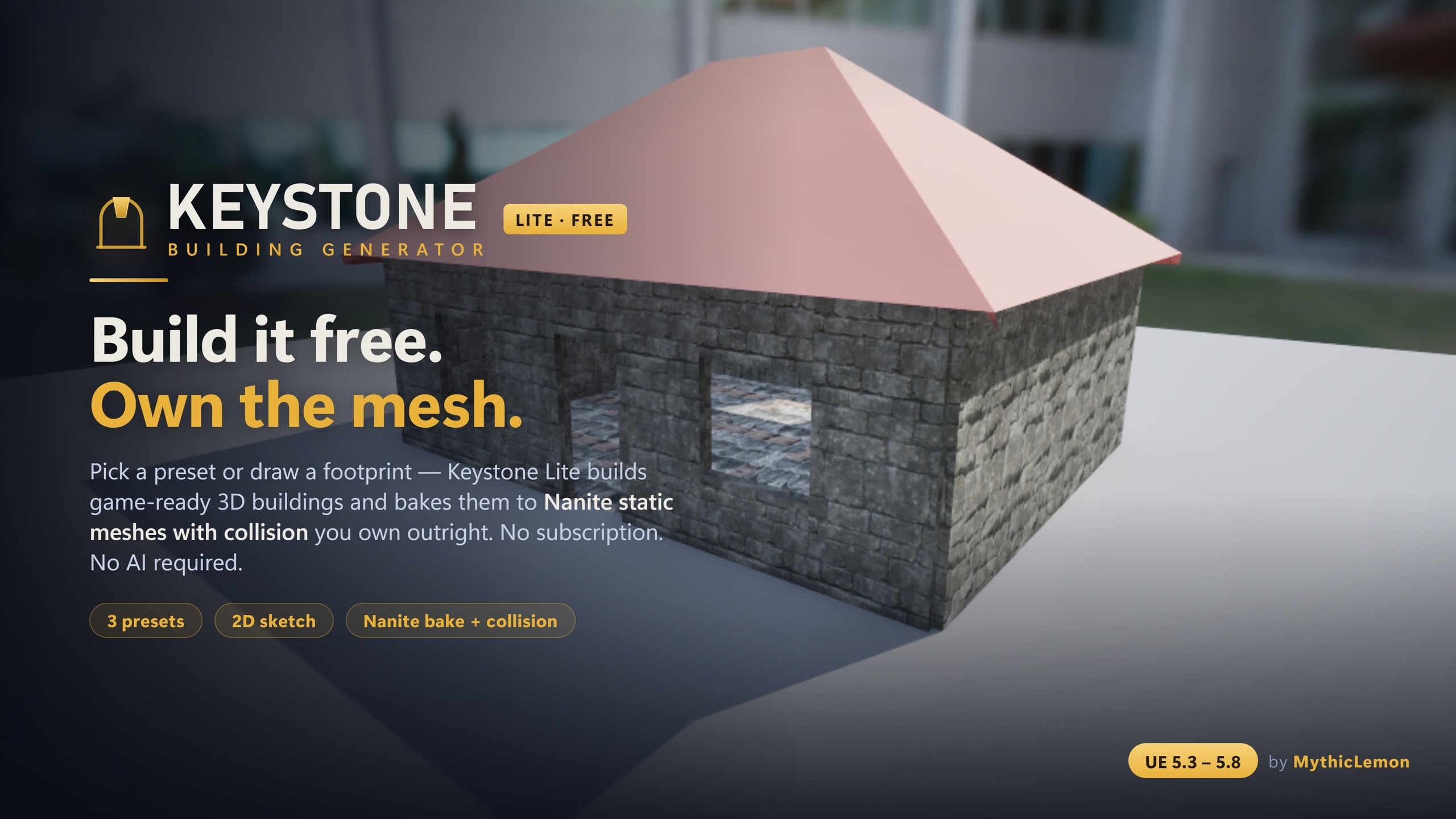
Keystone runs on Unreal Engine 5.3 through 5.8, with a separate compile-verified build per version, so you download the one that matches your engine. It is a one-time purchase with lifetime updates — no subscription and no credits — and the geometry it produces is yours to keep and ship. A free Keystone Lite edition is also available for trying the deterministic blockout-to-bake workflow; it ships with no AI features at all, so the optional text and floor-plan inputs are part of the full edition. Both editions arrive with a User Guide PDF and a Technical Reference PDF, and you can send feedback from inside the editor at any time.
Five ways to start a building in Keystone
| Input | Best for | Needs an AI key? |
|---|---|---|
| Presets (8 starters) | Quickly populating a street with varied masses | No |
| Sketch (2D canvas) | A specific footprint in real cm, with doors/windows/interior walls | No |
| Floor-plan image | Turning a PNG plan into a first-draft building | Yes (BYO key) |
| Text description | A fast first draft from a plain-English sentence | Yes (BYO key) |
| Kit Mode | Tiling your own modular meshes onto the building | No |
All five converge on the same editable building file shown in a live 3D preview before baking. AI inputs are optional and bring-your-own-key; everything else works with no AI.
What bakes out of Keystone
| Property | Detail |
|---|---|
| Output type | Standard Unreal StaticMeshes with collision |
| Nanite | On by default (Enable Nanite) |
| Collision | On by default (Generate collision) |
| Structure | Separable pieces (each wall, roof panel, floor and ceiling slab) |
| Runtime cost | No runtime generation, no tick cost, no dependency on Keystone |
| Target platform | Any (the editor tool itself is Windows-only) |
| Building file | Single human-readable JSON, import/export, deterministic |
Whatever input you start from, the building bakes to standard Unreal assets you own outright, with no runtime dependency on the plugin. Defaults below are from the Fab listing and Technical Reference.
FAQ
How do I fill a UE5 world with buildings without modelling each one by hand?
Work blockout-first: rough out the landscape and roads, then drop building masses where settlements belong and judge composition at player height before detailing anything. A deterministic building generator like Keystone speeds the building part — start from one of eight presets, a true-to-scale 2D sketch, a floor-plan image, a plain-English description, or your own meshes via Kit Mode, preview it live, then bake to Nanite StaticMeshes you own. Spend your hand-modelling hours only on the few close-up hero assets the camera truly lingers on.
Does Keystone use AI to generate the buildings?
No. The geometry is always built by a deterministic procedural engine, and no AI-generated meshes are shipped or sold. Two optional inputs — draft from text and draft from a floor-plan image — use AI only to interpret your sentence or plan into editable building parameters, and they are bring-your-own-key (Anthropic, OpenAI, Google, or a local Ollama model). Your input goes only to the provider you choose, nothing is sent to MythicLemon, and every other workflow needs no AI at all. The free Keystone Lite edition has no AI.
Can I edit the buildings after baking, or kitbash them?
Yes. Buildings bake as separable pieces — each exterior wall, roof panel, floor and ceiling slab is its own static mesh — so you can detach a wall to add a doorway, swap a single roof panel, or delete a section for a ruin without disturbing the rest. The output is ordinary Unreal StaticMesh assets with collision and Nanite on by default, with no runtime dependency on the plugin. One trade-off: separable-piece baking favours editability over draw-call count, so merge or instance large numbers of identical buildings after baking.
Are the interiors good enough for a playable hero room?
No — and the listing is explicit about this. Interiors are approximate: they are great for blockout, exteriors and mid-ground buildings the player sees but does not enter. For a close-up interior the player walks into and inspects, bake the shell from Keystone and hand-build and dress the inside yourself. It is not a substitute for a hand-built hero interior set.
Which engine versions are supported, and is there a free way to try it?
Keystone covers Unreal Engine 5.3 through 5.8, with a separate compile-verified build per version — download the one matching your engine. It is a one-time $29.99 purchase with lifetime updates, no subscription and no credits. A free Keystone Lite edition is also available to try the deterministic blockout-to-bake workflow; Lite ships with no AI features at all. It is a Windows editor tool, but the buildings it bakes run on any target platform.
Keystone
Keystone generates game-ready 3D buildings — walls, floors, roofs and approximate interiors — directly inside the Unreal Editor. Start from one of eight presets, draw a footprint on a true-to-scale 2D canvas, drop in a floor-plan image, describe a building in plain English, or tile your own modular meshes with Kit Mode. Every input converges on one editable building file, shown in a live 3D preview, and bakes to Nanite static meshes with collision — as separable pieces — that you own outright. The geometry is built by a deterministic procedural engine: no subscription, no credits, and no AI-generated meshes. The optional Draft-from-Text and Draft-from-Image features use your own API key (Anthropic, OpenAI, Google, or local Ollama) only to read your words or plan into editable parameters.
Related on Fab
Related reading