How to generate AI Niagara Flipbooks in Unreal Engine
AI Flipbook Generator — Text-to-Niagara VFX in seconds, inside Unreal Engine 5.
Available on Fab: https://www.fab.com/listings/695f3e5d-3aae-4ed8-9720-a4f65f9fe4ac
In this demo I walk through my new UE5 editor plugin that turns a single text prompt into a production-ready Niagara VFX flipbook. No external image generators, no Photoshop, no manual sub-UV setup. You type, you click, you drop the asset into your level.
The plugin wraps OpenAI's GPT image two, GPT image one, and DALL-E three behind a focused editor panel. It handles prompt composition, gutter-locked grid templates, multi-variant batching, chroma-keying, adaptive slicing, alpha re-centring, and one-click bake to Texture, Material, and Niagara System.
In this video I cover:
00:00 What it does, why I built it 00:00 Plain-prompt → 4×4 spritesheet in under a minute 00:00 Generating 4 variants in parallel 00:00 Style preset dropdowns: visual style, palette, mood, detail 00:00 Built-in library of 50+ starter prompts 00:00 Vision-assisted "Refine with feedback" loop 00:00 Adaptive grid detection (when the AI lies about cell count) 00:00 One-click bake → Niagara System with User parameters 00:00 Dropping the finished VFX into a level
Get the plugin on Fab: https://www.fab.com/listings/695f3e5d-3aae-4ed8-9720-a4f65f9fe4ac
Bring your own OpenAI API key — the plugin pays nothing on your behalf and stores your key only in your local user config. A typical 1024×1024 generation costs around four US cents at current OpenAI pricing.
Built for Unreal Engine 5.3+. Editor support on Windows and macOS.
Questions, feedback, or feature requests — drop a comment below or hit me up on the support link.
#UnrealEngine #UE5 #VFX #Niagara #GameDev #IndieDev #AI #OpenAI #UnrealMarketplace #FabStore #SpriteSheet #Flipbook #GameVFX
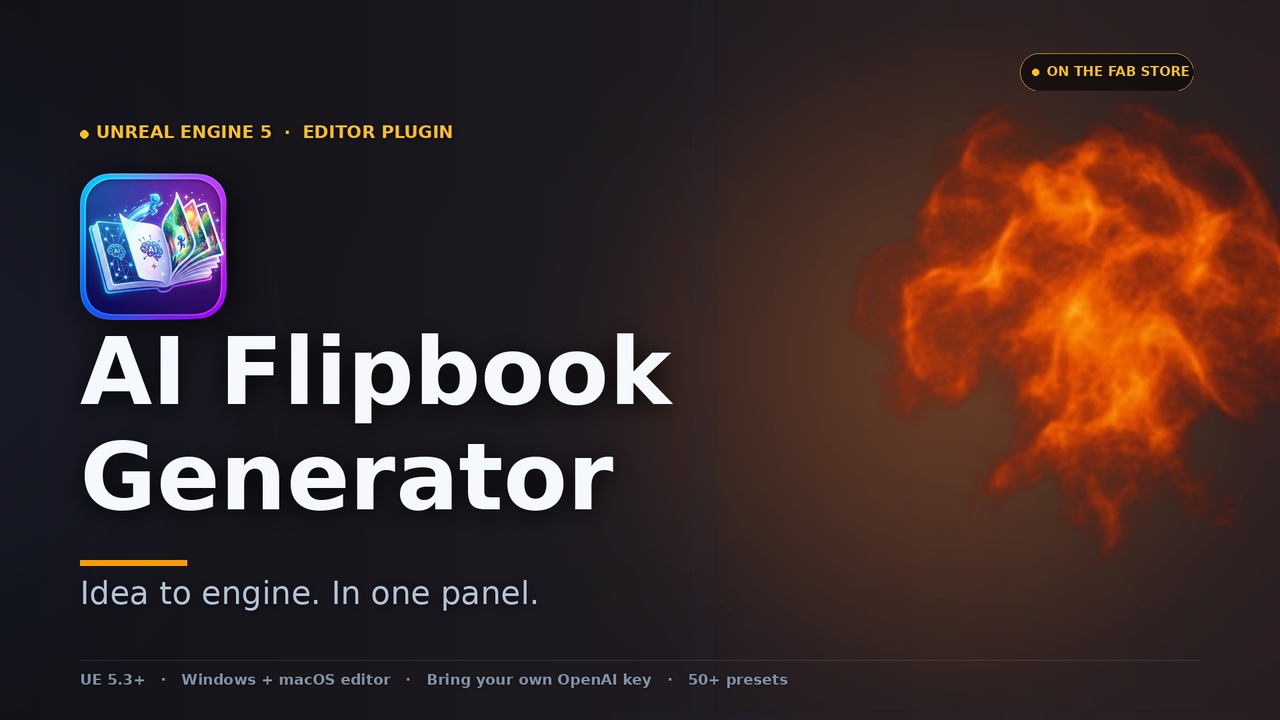
AI Flipbook Generator
Generate Niagara spritesheet VFX from text prompts, right inside the editor.