
tutorial · 2025-02-11
Save Game Architecture in UE5: JustSave and Beyond
Design a save system that survives patches, supports cloud saves, and doesn't become a giant blob of unversioned data.
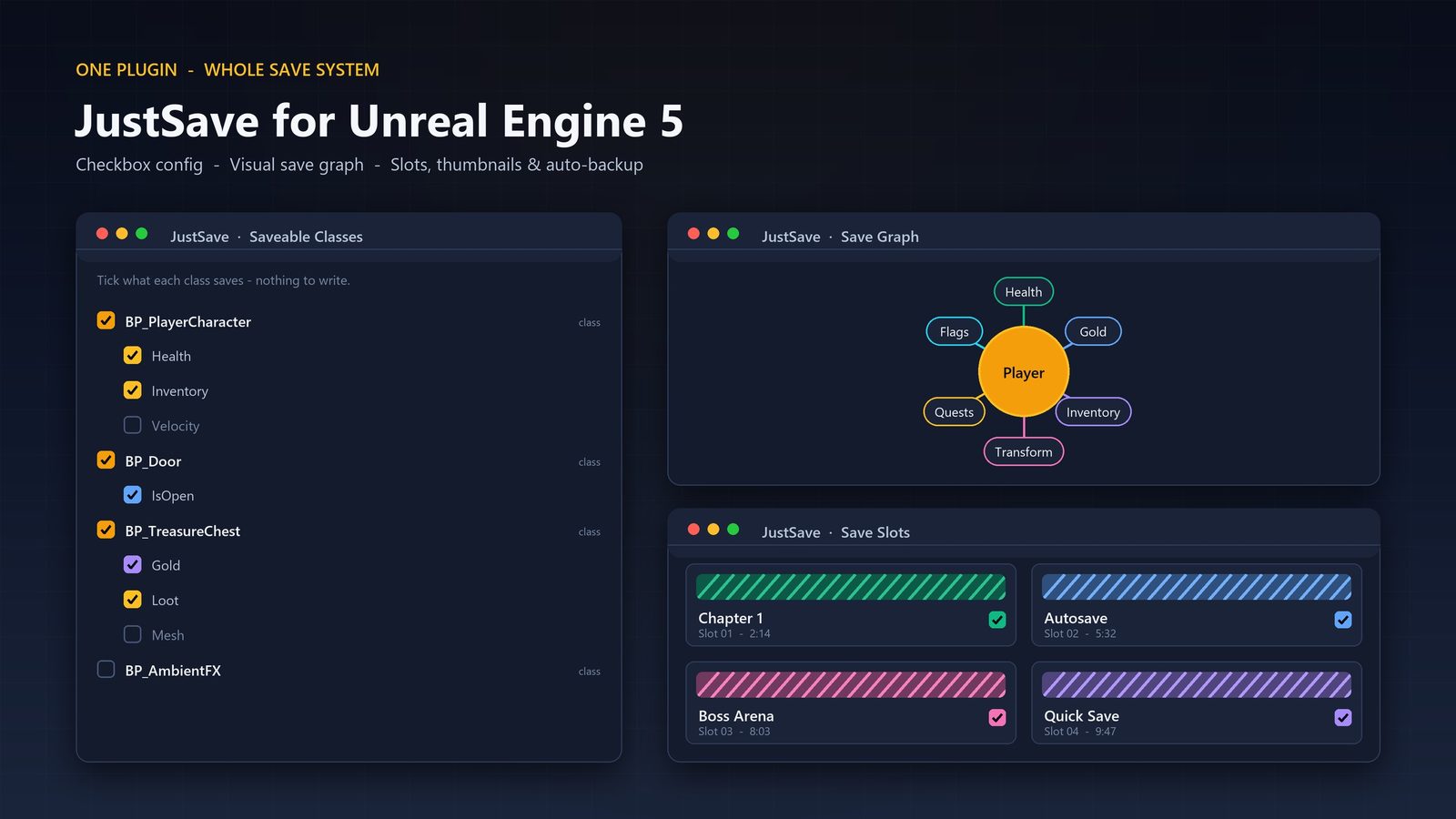
The save game problem most teams discover too late
A simple 'Save Game Object' with a big struct works for prototypes. After the first public patch or when you add cloud saves, you discover that every field change breaks old saves, cheating is trivial, and loading is slow because you're deserializing the entire world at once.
A real save architecture separates 'what to save' (player state, world state, metadata) from 'how to save' (format, versioning, encryption, storage backend).
This article reflects patterns used in 2025 shipped UE5 games that had to support multiple platforms and post-launch updates.
Versioning and migration
Every save file should carry a version number. When loading an older version, run a migration step that upgrades the data to the current schema before the rest of the game sees it.
Never remove fields. Add new optional fields with sensible defaults. This is the only way to keep forward compatibility without forcing players to start over.
Tools like JustSave handle the low-level serialization boilerplate, but you still own the schema design and migration logic.
Security and cloud considerations
Assume saves will be edited. Use checksums and optional encryption (AES-256) for sensitive data. JustSave has built-in support for this.
For cloud saves, design for conflict resolution. Last-write-wins is simple but can lose progress. Store timestamps and a change log so you can at least detect and surface conflicts.
Keep the save payload reasonably small. Uploading and downloading 50 MB save files on mobile or Steam Deck is a bad experience.
World state vs player state
Separate 'player progression' (inventory, skills, quest flags) from 'world state' (which doors are open, which enemies are dead).
Many games only persist world state for the current zone or a limited number of modified actors. Fully serializing an entire open world every time is rarely necessary.
Use unique stable IDs (not memory addresses) for actors that need to be referenced across saves.
FAQ
Can JustSave handle everything I need?
It removes the serialization boilerplate and gives you versioning + encryption hooks. You still design the data model, migrations, and cloud strategy around it.
JustSave
Save and load your whole game state without writing serialization code. Add a Saveable Component, mark the properties you care about, and call Save or Load — JustSave persists transforms, marked properties, runtime-spawned and destroyed actors, and cross-level data. Robust files come standard: compression, optional AES-256 encryption, checksums, atomic writes, auto-backups with repair, save-version migration, auto-save and slot thumbnails. Pure C++, ships no content.
Related on Fab
Related reading